Ethereum Wallets: Gateway to Crypto Assets and dApps
Disclaimer: This article is for informational and educational purposes only and simplifies underlying technical concepts for clarity. It is not financial, investment, or security advice.
When people first hear the word wallet in crypto, it is natural to think of it as a place where cryptocurrency is stored. But an Ethereum wallet is more than a digital container.
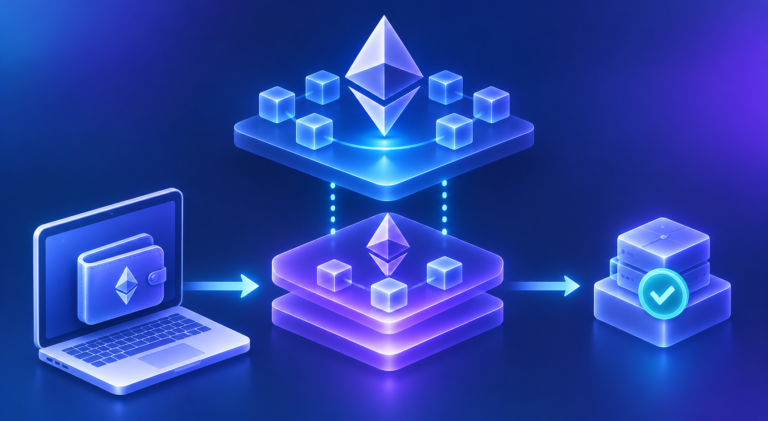
Your ETH, tokens, and NFTs are recorded on the Ethereum blockchain. The wallet gives you an interface to interact with the Ethereum account associated with your address. It also manages the cryptographic keys that allow you to prove control of that account and authorize actions.
Most importantly, a wallet is what connects you to the applications built on Ethereum.
It lets you move assets, interact with smart contracts, sign messages, connect to dApps, and increasingly, use more flexible account features such as recovery and sponsored transaction fees.
To understand Ethereum wallets, it helps to start with what you can actually do with one.
In This Article, You'll Learn
- ✓ Why a wallet gives you access to assets rather than storing them
- ✓ How ETH, tokens and NFTs are recorded differently on Ethereum
- ✓ The difference between custodial and self-custodial wallets, and when to use each type
- ✓ What smart wallets add: recovery, multiple keys, spending limits, sponsored fees and batching
- ✓ The main wallet security risks, and how one wallet works across EVM networks
1. What Is an Ethereum Wallet?
An Ethereum wallet is software or hardware that allows you to interact with an Ethereum account. It can help you:
- Receive and send ETH
- Manage and transfer tokens
- View NFTs
- Connect to decentralized applications
- Sign messages
- Sign transactions
- Approve token spending
- Interact with smart contracts
- Manage the keys associated with your account
The most important distinction is:
Think of Ethereum as a public system that maintains the state of accounts and smart contracts. Your account has an address such as 0xABC...123, and the wallet provides the interface through which you interact with that account.
This distinction between wallet, account, and assets is fundamental.
2. How Can One Wallet Hold ETH, Tokens and NFTs?
A single Ethereum wallet can show your ETH, tokens and NFTs together. But these assets do not all exist on Ethereum in the same way. The easiest way to understand this is to start with Ethereum itself.
ETH is the native currency of the Ethereum blockchain. Every Ethereum account has an ETH balance recorded directly on the Ethereum blockchain. For example:
There is no separate ETH smart contract that keeps track of this balance. ETH is part of Ethereum's own account and transaction system. So when someone sends you 1 ETH, the Ethereum blockchain updates the ETH balances of the relevant accounts.
Tokens: Created and Managed by Smart Contracts
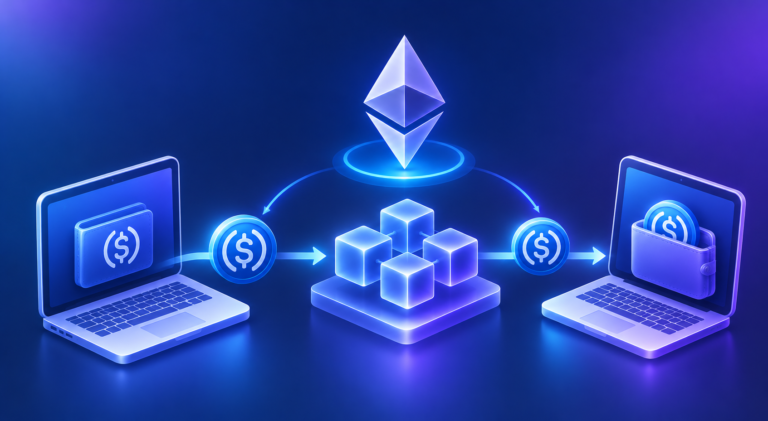
Tokens such as USDC work differently. They are not Ethereum's native currency. They are created and managed by smart contracts deployed on the Ethereum blockchain.
The token's smart contract contains the rules for the token and maintains information about how many tokens belong to each address. Conceptually:
So your 5,000 USDC is not sitting inside your wallet. The USDC smart contract on Ethereum records that 5,000 USDC belongs to your address. Your wallet reads that information and displays 5,000 USDC.
NFTs: Also Created and Managed by Smart Contracts
NFTs follow the same broad idea. An NFT is created and managed by an NFT smart contract deployed on the blockchain. The smart contract keeps track of which address owns which NFT. For example:
The blockchain therefore records that your address owns NFT #7812 and NFT #9214. Your wallet reads this information and displays those NFTs to you.
So What Is Actually on the Blockchain?
The key distinction is:
ETH is Ethereum's native currency and is part of the blockchain's own account and transaction system.
Tokens and NFTs are created and managed by smart contracts that are deployed on Ethereum. Their balances and ownership records are maintained according to the rules of those contracts.
Your wallet brings all of this together into one interface. It can show:
But these assets are not physically stored inside the wallet.
3. What Can You Actually Do with a Wallet?
What you give the wallet:
- An Ethereum address to send something to
- An amount
- A token
- A transaction request
- A message to sign
- A request from a dApp
- A token approval request
- A smart-contract interaction
What the wallet does with it:
- Displays your address and balances
- Creates a transaction
- Creates a digital signature
- Connects your address to a dApp
- Submits a signed transaction to Ethereum
- Shows the result of a blockchain interaction
In other words:
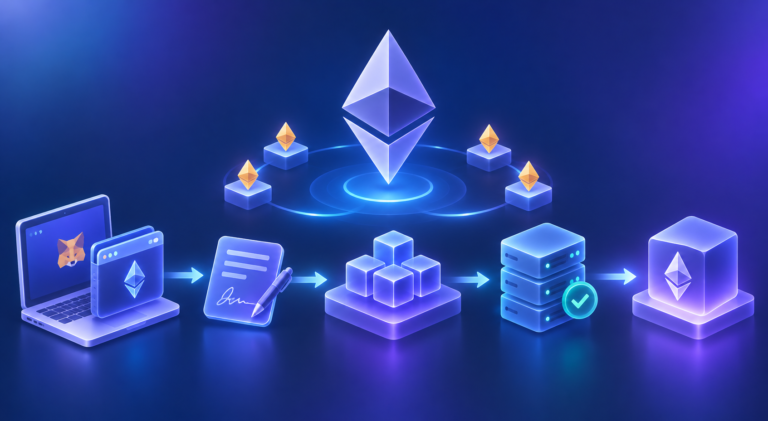
When a dApp asks your wallet to do something, the interaction typically looks like this:
Let's look at the major activities.
Receive ETH
Someone wants to send ETH to you. You provide your Ethereum address, 0xABC...123, and the sender uses that address as the destination. Your wallet then displays the updated balance.
Send ETH
You enter the recipient, 0xDEF...456, and the amount, 0.5 ETH. The wallet creates the transaction and prepares it for signing.
Before you confirm, the wallet also shows the network fee, often called gas. Every Ethereum transaction pays this fee in ETH to the network for processing it.
Once you approve, the wallet signs the transaction with your private key and broadcasts it to the Ethereum network. When the transaction is included in a block, the balances of both accounts update.
Send Tokens
The same wallet can also interact with token contracts. You might send 1,000 USDC to another address. The wallet handles the interaction with the relevant USDC contract.
Behind the scenes, sending USDC is a transaction to the USDC smart contract, asking it to move 1,000 USDC from your address to the recipient's address in its records.
View NFTs
The wallet can read NFT ownership information and display the NFTs associated with your address.
Interact with Smart Contracts
This is where Ethereum wallets start becoming substantially different from the simple wallet model people often associate with Bitcoin. A wallet can be used to interact with:
The wallet therefore becomes the interface between the user and Ethereum's programmable layer.
4. What Is Different from a Bitcoin Wallet?
At a high level, many wallet concepts are familiar from Bitcoin. A wallet manages cryptographic keys and allows you to:
- Receive cryptocurrency
- Send cryptocurrency
- Sign transactions
- View balances
The major difference is what the wallet can interact with. Bitcoin transactions primarily move Bitcoin according to Bitcoin's transaction model. Ethereum transactions can also call smart contracts.
The important new concept is therefore:
The cryptographic mechanics behind private keys, public keys, and digital signatures work in much the same way as they do in Bitcoin. What changes is what those signatures can be used to interact with.
5. Custodial vs Self-Custodial Wallets
Before looking at different wallet types, there is a more fundamental question: who controls the keys? This creates the distinction between custodial and self-custodial wallets.
Custodial Wallets
With a custodial service, another organization controls the underlying blockchain keys on your behalf. An exchange is a common example. You might log in with:
- Email or username
- Password
- Two-factor authentication
The exchange manages the blockchain accounts and keys behind the scenes. The advantage is convenience: if you forget your exchange password, there may be a recovery process. The trade-off is that you are relying on the custodian to maintain access to your assets and process withdrawals correctly.
Self-Custodial Wallets
With a self-custodial wallet, you control the keys. This gives you direct control over your Ethereum account. But it also gives you direct responsibility. There is no central institution that can simply reset your blockchain account if your recovery credentials are permanently lost.
This leads to one of the most important principles in crypto:
6. Different Types of Wallets
6.1 Exchange Wallets
Examples: Binance, Coinbase, Kraken
An exchange wallet is generally custodial. When you hold crypto on an exchange, the exchange manages the underlying blockchain keys while you interact with your assets through your exchange account.
As described in section 5, you interact through an exchange account, typically logging in with an email or username, a password and two-factor authentication, while the exchange manages the keys behind the scenes.
When is it used? Exchange wallets are commonly used when you want to:
- Buy crypto with fiat
- Sell crypto
- Trade frequently
- Hold assets while actively trading
- Move assets between exchange products
Why use one? The main advantage is convenience. If you forget your exchange password, there is generally an account-recovery process. You also do not have to manage a seed phrase just to buy or sell crypto.
What is the implication? The exchange has custody of the underlying keys. So you are relying on the exchange to:
- Safeguard the assets
- Maintain access to your account
- Process withdrawals
- Operate its platform correctly
You also generally have less direct control over the blockchain account than you would with a self-custodial wallet.
6.2 Browser Wallets
Examples: MetaMask, Rabby
A browser wallet is typically a self-custodial wallet accessed through a browser extension. For example, you might install MetaMask in your browser and then visit a decentralized exchange. The interaction looks like:
When the dApp says Connect Wallet, the browser wallet provides the interface through which you connect your Ethereum account.
When is it used? Browser wallets are particularly useful for:
- DeFi
- Decentralized exchanges
- NFT marketplaces
- DAOs
- Web3 applications
- Interacting directly with smart contracts
For example, you might use a browser wallet to connect to a DEX, sign a token swap, or interact with a lending protocol.
Why use one? The main advantage is direct interaction with dApps. The wallet sits right inside the browser environment where you are using the application.
What is the implication? Because it is generally self-custodial, you are responsible for the wallet's keys and recovery credentials. You also need to pay close attention to the websites you connect to and the transactions or approvals you sign. A browser wallet therefore provides a lot of flexibility, but also requires more user responsibility.
6.3 Mobile Wallets
Examples: Trust Wallet, MetaMask Mobile, Coinbase Wallet
A mobile wallet is a wallet application installed on your smartphone. It can be self-custodial or, depending on the product, have different custody arrangements, so the important question is always: who controls the keys? A typical self-custodial mobile wallet looks like:
When is it used? Mobile wallets are useful for:
- Everyday transactions
- Checking balances
- Sending and receiving crypto
- QR-code payments
- Accessing mobile dApps
- Managing assets while travelling
Why use one? The main advantage is portability. Your wallet is available wherever you have your phone. For example, if someone wants to send you ETH, you can open the wallet app and provide your address or QR code.
What is the implication? The phone becomes an important part of your security. If the wallet is self-custodial, losing the phone does not necessarily mean losing the assets, provided you have securely retained the recovery credentials. But a compromised phone, malicious application, phishing attack, or careless transaction approval can create risks.
6.4 Hardware Wallets
Examples: Ledger, Trezor
A hardware wallet is a dedicated physical device designed to keep private keys isolated from your internet-connected computer or phone. The basic interaction is:
The key idea is that the private key is kept inside the hardware device rather than being exposed to the computer or phone that you use to access the internet.
When is it used? Hardware wallets are particularly useful for:
- Larger holdings
- Long-term holdings
- Users who want stronger protection for private keys
- Users who do not need to transact constantly
For example, someone holding a significant amount of ETH for several years might keep the majority of it in a hardware wallet rather than leaving the keys in a browser extension.
Why use one? The main advantage is key isolation. Even if the computer you use to prepare a transaction is compromised, the private key itself is designed to remain inside the hardware device. You still review and approve the transaction on the hardware wallet.
What is the implication? Hardware wallets reduce certain types of online key exposure, but they do not eliminate user risk. You can still:
- Approve a malicious transaction
- Connect to a phishing website
- Send assets to the wrong address
- Lose your recovery phrase
6.5 When Would You Use Which?
A simple way to think about the choices is:
| Wallet type | Example | Usually used for | Main advantage | Main implication |
|---|---|---|---|---|
| Exchange wallet | Binance, Coinbase | Buying, selling, trading | Convenience | Exchange controls custody |
| Browser wallet | MetaMask, Rabby | DeFi, DEXs, dApps | Direct Web3 interaction | You manage keys and transaction risk |
| Mobile wallet | Trust Wallet, MetaMask Mobile | Everyday use, payments | Portability | Phone and wallet security matter |
| Hardware wallet | Ledger, Trezor | Larger / long-term holdings | Key isolation | Less convenient for frequent transactions |
These categories are not necessarily exclusive. For example, someone might use:
The important question is therefore not “Which wallet is the best?” It is:
That distinction becomes particularly important as we move from simply holding ETH to interacting with smart contracts and dApps.
7. What Is a Smart Wallet?
A smart wallet, or smart account, is an Ethereum account implemented as a smart contract. This changes how the account is controlled.
With a traditional Externally Owned Account (EOA), the private key directly authorizes transactions. With a smart account, signatures are checked against programmable rules before anything is executed:
The smart contract acts as the account's rule engine. It can determine which keys can authorize actions, whether multiple approvals are required, how recovery works, whether spending limits apply, and whether multiple operations can be executed together. This makes the account itself programmable.
For example, a smart account could require a second approval for a large transfer or allow a backup key to recover the account if the primary key is lost.
A smart account is a different dimension from the wallet types in section 6. Those describe where the wallet runs and who holds the keys; a smart account describes how the account itself works. A browser or mobile wallet can manage a smart account, and a smart account can be self-custodial (you hold the signing keys) or custodial (a provider holds them for you).
7.1 Account Recovery
Consider a traditional self-custodial account. If the private key is permanently lost, access to the account may be permanently lost. A smart account can be designed with recovery mechanisms. For example, it could have:
If the primary key is lost or compromised, the account's rules could allow it to be replaced. The exact recovery design depends on the smart-wallet implementation.
7.2 Multiple Keys
A smart account can also support more sophisticated authorization arrangements. The account could be configured so that different combinations of keys are required for different actions.
This can support use cases such as:
- Multi-signature control
- Organizational accounts
- Backup keys
- Different permissions for different users
Instead of one key being the entire security model, the account can contain rules defining how multiple keys interact.
7.3 Spending Limits
Smart-account logic can also introduce spending rules. For example:
The account can therefore distinguish between different types of actions. A small everyday transaction could follow one path, while a large transaction could require additional authorization.
7.4 Sponsored Transaction Fees
Traditional Ethereum transactions normally require the account making the transaction to have ETH available to pay the network fee. Smart-wallet infrastructure can change this experience. A paymaster can potentially pay the transaction fee on behalf of the user. Conceptually:
This means a dApp could potentially allow someone holding USDC, for example, to interact without first acquiring ETH specifically to pay that transaction fee. The user experience can therefore become much closer to a conventional application.
7.5 Batching Multiple Actions
Smart-wallet infrastructure can also allow multiple operations to be grouped. Imagine a token swap that normally requires two separate steps. A smart account can potentially package multiple actions into one user interaction.
This can reduce friction and make dApps easier to use.
8. Wallet Security
The convenience of wallets comes with responsibility, particularly for self-custody. There are several major risks to understand.
Seed Phrases
A self-custodial wallet may give you a 12- or 24-word recovery phrase. This phrase can be used to recover the wallet's accounts. Conceptually:
Anyone who obtains the recovery phrase may be able to recreate the wallet and control the associated accounts. Therefore:
Phishing
Attackers can create websites that look almost identical to legitimate dApps or wallet providers. A fake website might ask you to: “Enter your recovery phrase to verify your wallet.” That should immediately be treated as a serious warning sign. The same applies to fake wallet applications. Always verify:
- The website domain
- The application source
- The wallet provider
- The application you are connecting to
Fake Applications
A malicious application can imitate a legitimate wallet or dApp. The interface may look completely genuine. The danger is that the application could be designed to capture your recovery phrase or trick you into signing a malicious transaction.
The security process therefore begins before you connect your wallet.
Dangerous Token Approvals
Ethereum introduces another important risk: you can give a smart contract permission to spend your tokens on your behalf. This permission is called an allowance, and it is recorded by the token's own smart contract.
Suppose you hold 10,000 USDC and a dApp asks you to approve 1,000 USDC. That means you are granting the relevant contract permission to spend up to that amount according to the token's allowance mechanism. A malicious or compromised application could instead request an unnecessarily large allowance.
Many dApps request an unlimited allowance by default, so you do not have to approve again for each transaction. This is convenient, but if that contract is later compromised, all of that token in your wallet could be at risk. Approvals also stay in place until you remove them, so it is good practice to review and revoke approvals you no longer need, using your wallet's settings or a reputable approval-checking tool.
Before approving a token, consider:
- Which contract am I approving?
- Which token is involved?
- How much can it spend?
- Do I actually need to give this permission?
- Am I using the legitimate application?
Address Poisoning
Attackers sometimes send tiny or worthless transfers to you from an address that looks almost identical to one you regularly use, matching its first and last few characters. The aim is that you later copy the wrong address from your transaction history.
Always check the full address, or use a saved contact, before sending. Never copy a recipient address from your transaction history without verifying it.
Signing Something You Do Not Understand
A particularly important Ethereum-specific risk is that you can lose assets without anyone stealing your private key. You might simply sign a malicious transaction. For example:
The private key remained secret. The problem was that the user authorized an action without understanding what it would do.
The same applies to signatures that are not transactions. Some signature requests, such as token “permit” signatures, look like a harmless message and cost no fee, but they authorize someone else to move your tokens. An attacker who collects that signature can then submit it to the network themselves.
This gives us two separate security principles, and both are necessary:
9. Can the Same Wallet Be Used Across Different EVM-Compatible Networks?
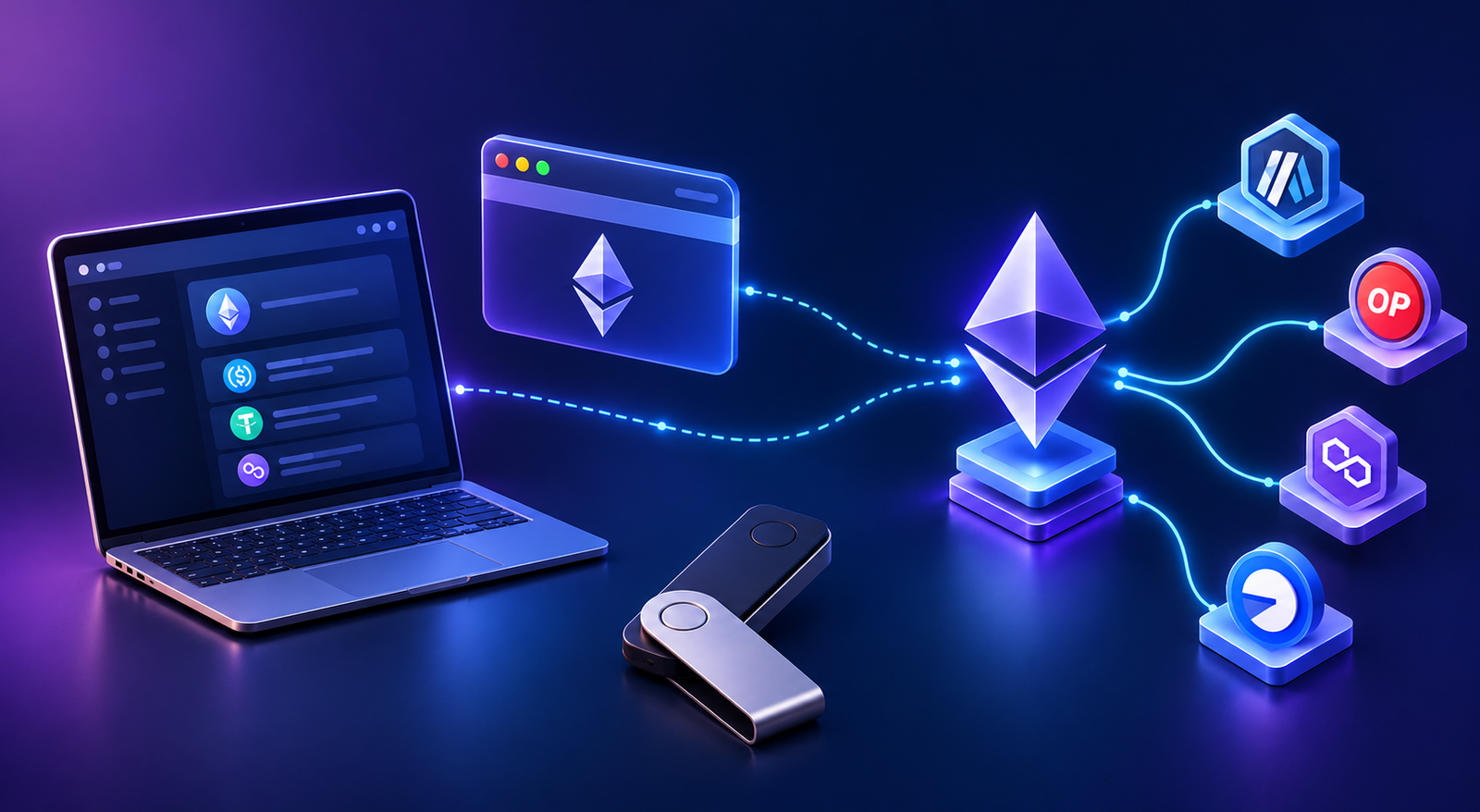
Ethereum is not the only blockchain that supports the Ethereum Virtual Machine (EVM). Other networks, such as Base, Arbitrum, Polygon PoS and BNB Smart Chain, also support EVM-compatible smart contracts.
Because these networks support compatible account formats and transaction-signing mechanisms, the same wallet address and private key can generally be used across them. For example, you can use MetaMask with the same address on Ethereum and Base. However, your balances and transactions are recorded separately on each network.
Each network also has its own fee token. Base and Arbitrum use ETH for fees, while Polygon PoS uses POL and BNB Smart Chain uses BNB. To transact on a network, you need that network's fee token on that network.
When you switch networks in your wallet, it connects to the selected network to read your balances and interact with its smart contracts.
One caution applies to smart accounts. An EOA address exists on every EVM network automatically, because it is derived from your key. A smart-account address belongs to a contract, so it may not exist on another network until the account is deployed there. Before receiving funds at a smart-account address on a new network, check that your wallet supports that network.
10. The Complete Mental Model
The easiest way to put everything together is:
And when the wallet itself becomes programmable:
The fundamental idea is therefore:
Once this is clear, the next question is naturally: what exactly is an Ethereum account?
That takes us underneath the wallet interface and into EOAs, addresses, balances, nonces, private keys, and smart-contract accounts, which are the foundations for understanding how Ethereum transactions actually work.
Key Takeaways
- An Ethereum wallet does not store your crypto. The blockchain records your assets; the wallet manages your keys and gives you access to the account that controls them.
- ETH is recorded by Ethereum's own account system, while tokens and NFTs are recorded by the smart contracts that create and manage them.
- Every action, including sending tokens, is an Ethereum transaction that pays a network fee (gas) in ETH, unless a paymaster covers it.
- Custodial wallets trade control for convenience; self-custodial wallets give you control and full responsibility for your keys.
- Exchange, browser, mobile and hardware wallets suit different jobs, and many people use several of them together.
- Smart accounts make the account itself programmable, enabling recovery, multiple keys, spending limits, sponsored fees and batching.
- Protect your keys and understand what you are signing: approvals, permit signatures and lookalike addresses can cost you assets without your key ever leaking.